🐶 Labomaru’s Quick Take & Specs
“Automating corporate helpdesks inside Google Workspace using Gemini unlocks hundreds of saved hours every year! 🐶⚡”
- 🚀 Tool Type: SaaS Productivity / Low-Code AI Workflow
- 💻 System Requirements: Browser-based (Zero local GPU needed / Google Workspace & Cloud Subscription)
- 🎯 Best For: IT Helpdesks, HR Teams, Enterprise Workflow Automators
- ✨ Key Benefit: Eliminates repetitive internal ticketing and standardizes support responses automatically!
1. Key Takeaways & Real-World Impact (Before vs. After)
- Before: Internal support teams across HR, IT, and General Affairs are constantly bogged down by repetitive inquiries regarding corporate policy, device setups, and administrative workflows. Answering identical questions across Slack, email, or chat consumes hundreds of high-value employee hours, introduces human error, and creates long support queues.
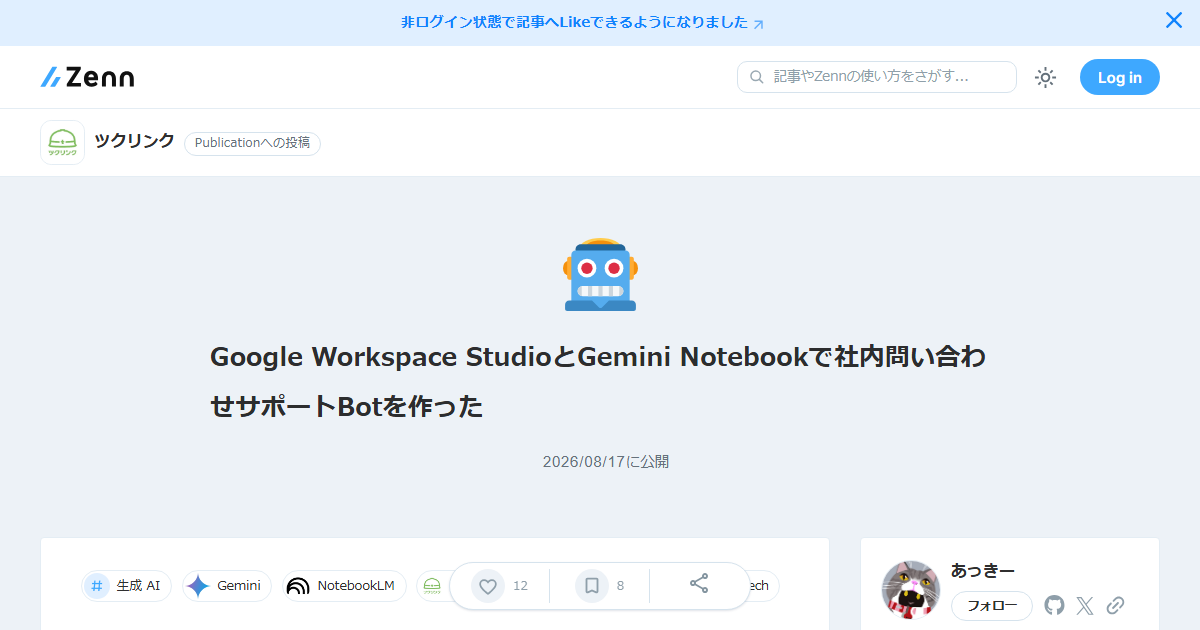
- After: Employees interact with an intelligent, automated AI support bot integrated directly into their everyday Google Workspace UI. Driven by Gemini Notebooks and Workspace Studio workflows, the bot provides instant, accurate answers while automatically logging tickets or escalating complex edge cases to human personnel.
2. Hardware Specs & Setup Complexity
- Local Hardware Requirements: None. Operates entirely in the cloud within the Google Cloud and Google Workspace infrastructure.
- Infrastructure: Browser-accessible environment utilizing Google Workspace Studio for workflow triggers and frontend UI, alongside Gemini Notebooks (Colab Enterprise) for LLM orchestration and logic execution.
- Setup Complexity: Low-to-Moderate (Low-Code / API Configuration). System administrators configure basic Google Apps Script connectors, prompt templates, and Google Cloud API credentials.
3. Comparative Analysis & Benchmarks
| Criteria | Workspace Studio + Gemini Bot | Traditional Manual Ticketing | Third-Party SaaS Chatbot |
|---|---|---|---|
| Setup & Licensing | Low (Uses existing Workspace setup) | High operational overhead | High recurring third-party SaaS fees |
| Response Time | Instant (< 3 seconds) | Hours to Days | Instant (< 3 seconds) |
| Data Governance | Strict Enterprise Google Cloud security | Human handling risk | External vendor processing risks |
| Workflow Flexibility | Fully custom via Apps Script & Python | Manual process dependent | Locked to vendor feature sets |
| Maintenance Cost | Low (Prompt & doc tuning) | Extremely High labor costs | Medium (Vendor updates) |
4. Pro Tips & Maximum Productivity Recipes
- Few-Shot Role Persona: Implement structured role definition inside your Gemini Notebook orchestration code. Force the model to act strictly as a certified corporate assistant that cites official policy document URLs.
- Confidence-Based Human Escalation: Design Workspace Studio workflows to evaluate Gemini’s output confidence score. If the model indicates uncertainty, automatically route the inquiry to a designated Google Chat room or ticketing queue for human intervention.
- RAG via Google Drive: Bind the Gemini Notebook logic to indexed Google Docs and PDF handbooks in Google Drive to enable simple Retrieval-Augmented Generation without managing complex vector databases.
5. Potential Pitfalls & Edge Cases
- Outdated Source Documentation: If internal handbooks contain contradictory or legacy policy data, the bot will mirror those inconsistencies. Knowledge bases must be regularly pruned.
- Granular Permission Controls: Ensure the service account running Gemini queries respects organizational Access Control Lists (ACLs) so restricted information (e.g., executive payroll details) is never exposed to unauthorized personnel.
- API Quotas and Scaling: High-volume enterprises should monitor Google Cloud API quotas and token billing to manage cost scaling effectively.
6. Final Verdict & Key Takeaways
Combining Google Workspace Studio with Gemini Notebooks offers a seamless, scalable blueprint for internal operational automation. Organizations already embedded in the Google ecosystem can eliminate manual support drag and save hundreds of annual labor hours without purchasing expensive third-party ticketing platforms. Early adoption is highly recommended for teams seeking rapid operational DX.